OV Connect Mobile Application
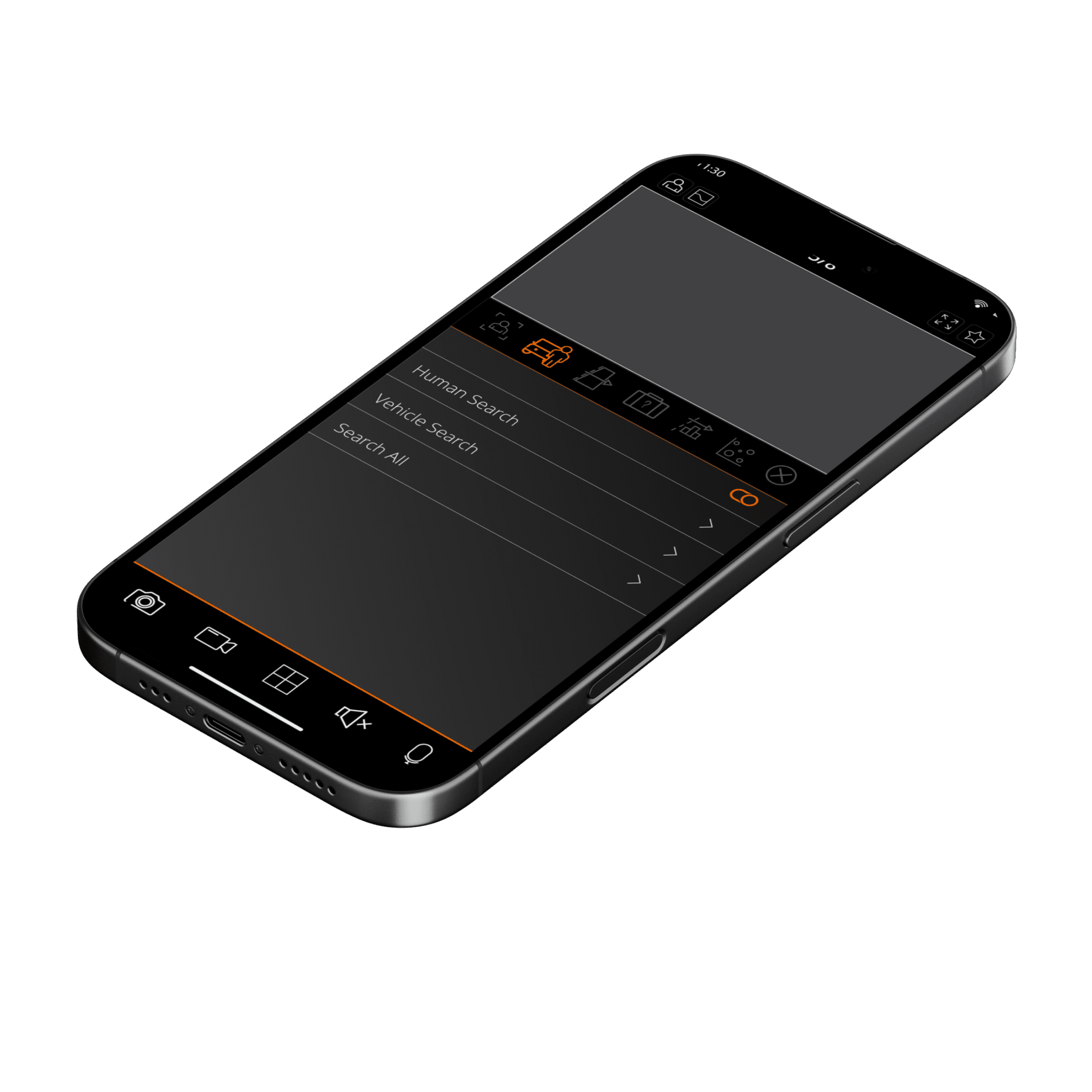
The interface uses a modular layout system with clearly defined touch targets, optimized for one-handed mobile interaction. Typography is bold and highly legible, reinforcing hierarchy without visual noise. Subtle motion cues and state changes communicate system status without distracting the user. Designed entirely in Adobe Illustrator, the UI balances aesthetic restraint with functional confidence, ensuring the app feels both modern and trustworthy.
00

problem
Security and monitoring applications often overwhelm users with dense information, unclear hierarchy, and feature-heavy layouts that increase cognitive load, especially in time-sensitive situations. Users need to act quickly, yet many interfaces force them to think too much before doing so.
solution
OV Connect was designed to prioritize recognition over recall, using consistent iconography, strong contrast, and a deliberate visual hierarchy. Critical actions are surfaced immediately, while secondary controls are visually subdued but still accessible. The dark UI reduces eye strain and increases focus, while the accent color is used sparingly to guide attention and reinforce system feedback.
OV Connect began with a simple question: What does control feel like in a moment of urgency?
In security scenarios, users don’t have time to interpret complex interfaces, they need reassurance, speed, and clarity.
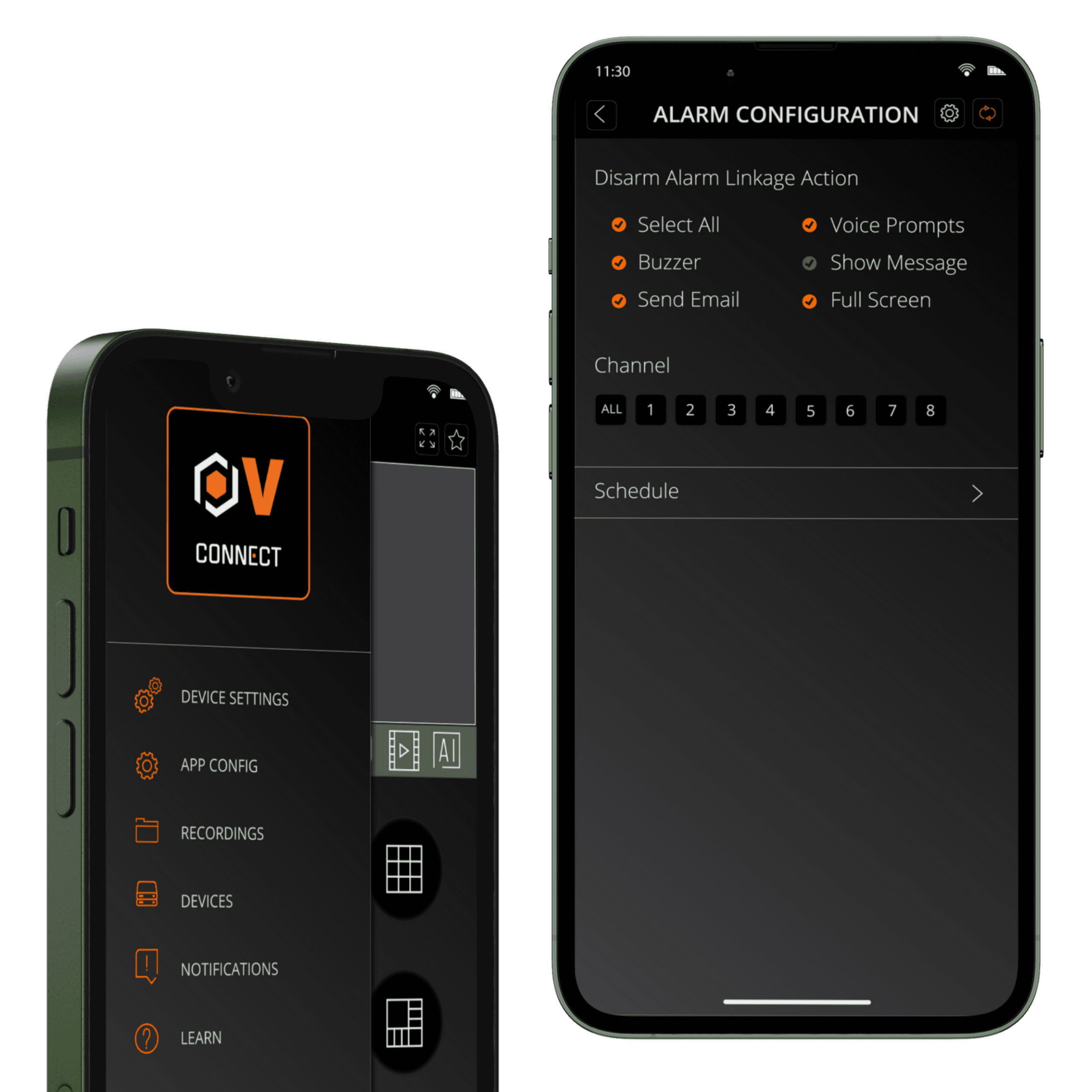
The design approach focused on reducing hesitation. Every visual decision was evaluated through the lens of cognitive load: fewer distractions, stronger hierarchy, and clear feedback. Dark surfaces were chosen to reduce eye fatigue and create a sense of focus, while the accent color acts as a behavioral signal—guiding attention only when action is required.
By designing the interface in Adobe Illustrator, I was able to define a precise visual system before implementation, ensuring consistency across screens and interactions. The result is an interface that feels calm, responsive, and confident—supporting users when clarity matters most.
year
2025
timeframe
30 days
tools
Adobe Illustrator
category
UI/UX
01

02

03

04

05